Buttons
Inkplate 7SPECTRA has three controls: an on/off switch, a wake-up button and a reset button. Their silkscreen labels are POWER SWITCH on the left edge next to the USB-C connector, WAKE UP on the right edge, and RESET beside the ESP32-S3 module.
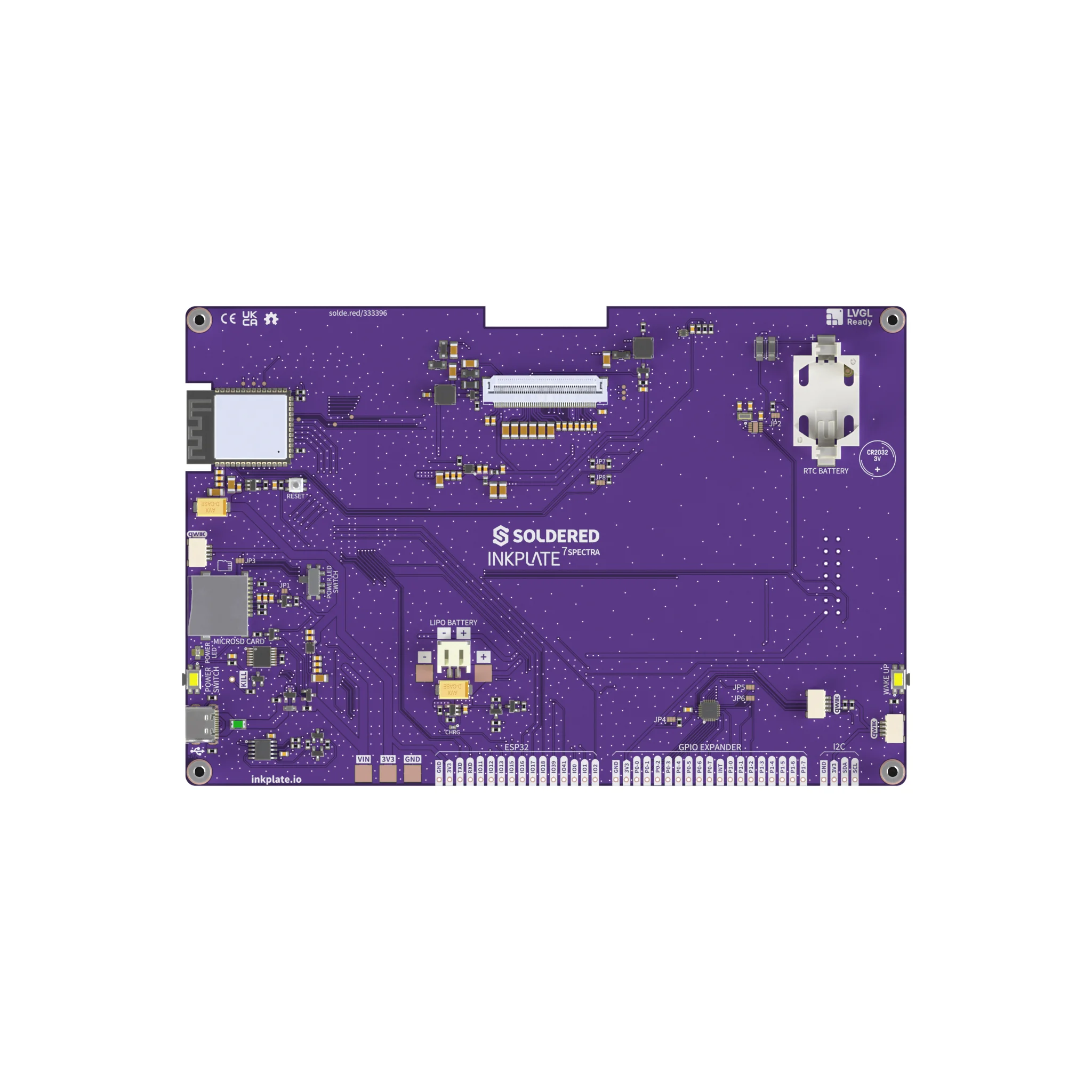
Controls
| Control | Normal action | Notes |
|---|---|---|
| On/off slide switch | Turns the board off | Labelled POWER SWITCH. |
| Wake-up button | Wakes the ESP32-S3 from deep sleep | Connected to IO18. Wake on it with esp_sleep_enable_ext0_wakeup(GPIO_NUM_18, 0), as in the deep sleep example. |
| Reset button | Labelled RESET |